

Does the 80% Battery Limit Actually Work?
Does capping your smartphone charge at 80% actually prevent battery degradation? We examine voltage stress, cycle data, and 80% charging limits on iPhone, Samsung, and Pixel.

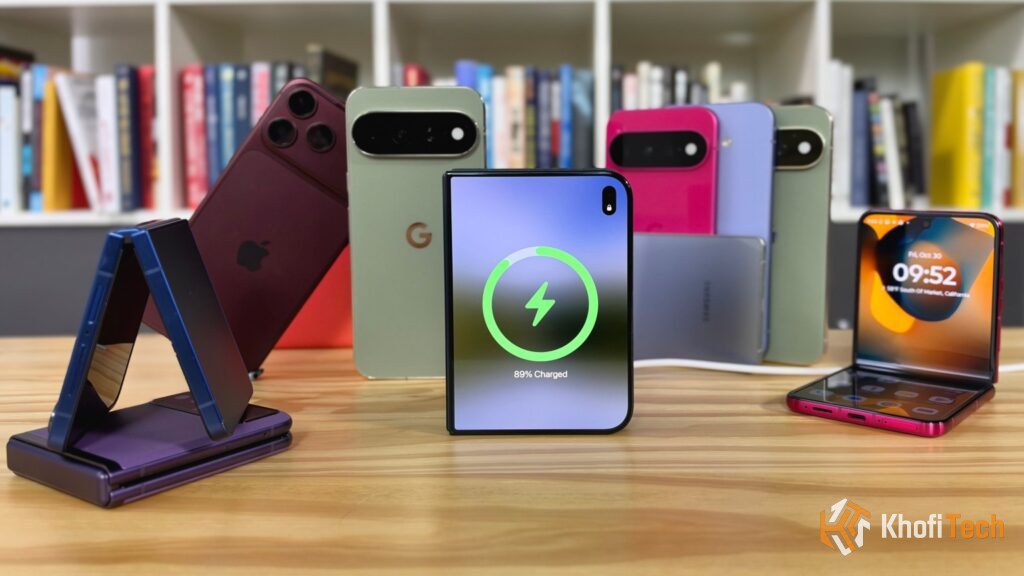
Whether you use an Apple iPhone, a Samsung Galaxy, or a Google Pixel, your smartphone operating system now features an optional toggle to halt charging once the battery reaches 80%. Apple offers a dedicated 80% Limit toggle, Samsung provides Maximum Battery Protection, and modern Android releases integrate hardware-level charge ceilings.
However, voluntarily giving up 20% of your daily battery life raises an obvious practical question: Does artificially capping your battery capacity genuinely protect hardware longevity, or are you handicapping your daily runtime for negligible real-world returns?
Here is an unvarnished examination of lithium-ion electrochemistry, platform-specific charging algorithms across iOS and Android, and the exact trade-offs of using an 80% charge limit.
The Electrochemistry: Why the Final 20% Does the Most Damage
Lithium-ion cells do not degrade evenly across every percentage point. Wear accelerates sharply at both extremes: deep discharges below 15% and high-voltage saturation above 80%.
Internal Cell Voltage & Material Strain
~3.60V – 3.75V
Deep discharge zone. Prolonged storage here risks copper shunting and internal micro-shorts.
~3.75V – 4.10V
The electrochemical sweet spot. Delivers minimal mechanical lattice strain and negligible electrolyte wear.
~4.10V – 4.45V
High-voltage saturation. Promotes rapid SEI film growth, cathode micro-cracks, and sustained heat buildup.
When charging from 0% to 80%, current flows freely while cell voltage climbs at a steady, manageable pace. But cramming the final 20% of lithium ions into the cathode requires increasing cell voltage to 4.35V – 4.45V.
This high-voltage ceiling causes two distinct forms of hardware wear:
- Cathode Particle Micro-Cracking: Forcing lithium ions into an already dense structure causes mechanical expansion and contraction, fracturing the physical lattice over hundreds of cycles.
- Accelerated Electrolyte Decomposition: Higher voltages accelerate chemical reactions between the electrolyte and the electrodes, building up a resistive film known as the Solid Electrolyte Interphase (SEI) layer that permanently lowers maximum capacity.
Capping your charge at 80% avoids this high-voltage zone entirely.
How Apple and Android Implement the 80% Cap
Smartphone manufacturers handle charging protection using two different philosophies: Hard Limits and Predictive Charging.
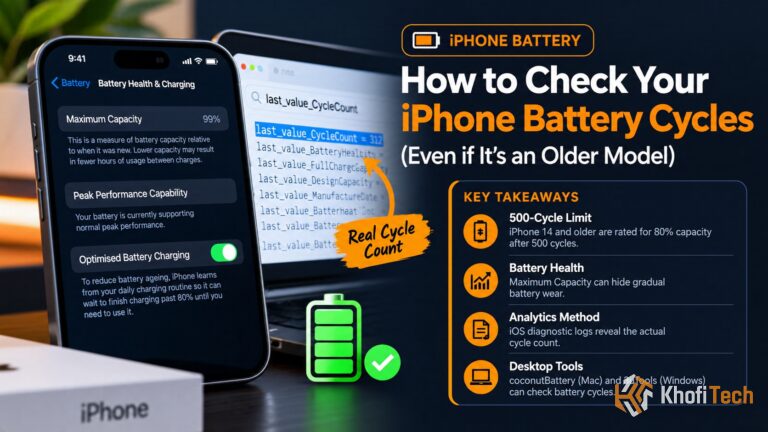
Want to see your phone’s real charge cycle count and capacity loss? Follow our diagnostic guide on How to Check Battery Health and Cycle Count on Android (iPhone users can view this directly in Settings > Battery > Battery Health).
The Practical Dilemma: Is Giving Up 20% Daily Runtime Worth It?
The science showing that the 80% limit reduces battery wear is indisputable. However, from a practical standpoint, the user experience math looks very different.
Consider what you are giving up:
- If you charge to 100% daily: You start with 100% of your phone’s battery capacity. After roughly 2 to 3 years of standard charging, the battery naturally degrades to about 80% to 82% maximum capacity.
- If you cap your charge at 80% daily: You voluntarily accept an 80% maximum capacity from Day 1. After 2 to 3 years, your battery might still retain 92% to 94% of its original chemical capacity, but because your limit is active, you are still only walking out the door with 80% of that remaining amount.
In practical terms: Enforcing a strict 80% cap forces you to experience the battery life of a degraded 3-year-old phone every single day, just to avoid having a degraded battery three years later.
When You Should Actually Use the 80% Cap
A strict 80% limit is not ideal for everyone, but it is extremely useful in four specific situations:
If your phone or tablet stays connected to a MagSafe stand, USB-C monitor, or Samsung DeX dock all day, sitting at 100% while tethered is pure voltage stress. Use the 80% cap.
Dashboard windshield mounts combine high summer heat, GPS chip load, and continuous charging. Limiting to 80% prevents dangerous thermal-voltage spikes.
If you regularly top up your phone at your desk or in your car with 45W–100W fast chargers, you rarely dip below 40%. The 80% cap stops rapid charge cycles from baking the top end.
If you keep your smartphone through its entire 7-year OS update window and want to avoid third-party repairs or battery replacements, the 80% rule is your best safeguard.
High temperatures combined with top-end charging degrade lithium cells faster than charging cycles alone. Read our hardware guide on Samsung Galaxy Overheating When Charging: 5 Causes & Fixes to manage heat generation across all devices.
The Verdict: What Should You Set Your Phone To?
For the vast majority of smartphone users:
- Do not use the strict 80% limit if you spend most of your day away from chargers. Sacrificing 20% of your daily runtime to preserve battery health creates unnecessary battery anxiety during normal daily use. A replacement battery costs a fraction of the phone’s price after 3 years.
- Leave “Optimized Battery Charging” (iOS) or “Adaptive Charging” (Android) ON. This setting handles 90% of your long-term battery preservation silently in the background. It halts charging at 80% while you sleep, preventing prolonged high-voltage saturation, and finishes topping up right before you wake up.
- Turn the 80% Limit ON only if: Your phone spends most of its life plugged into a desk dock, you use it as a dedicated gaming/workstation device, or you drive long daily commutes with your phone connected to a dashboard charger.
Frequently Asked Questions
Quick answers to common questions
Apple explicitly designed the iPhone to occasionally charge to 100% even with the 80% Limit enabled. This is an intentional calibration feature: iOS needs an occasional full charge cycle to measure internal cell impedance and keep the battery health gauge accurate.
No. Once the Power Management IC (PMIC) and software detect an 80% state of charge, the device cuts off current draw completely, regardless of whether you are connected to a 5W brick or a 100W GaN fast charger.
If you maintain a strict 80% limit for multiple months without ever reaching 100%, the fuel gauge algorithm in the OS may drift slightly, reporting remaining battery life with minor inaccuracies. Turning the limit off once every 2 to 3 months to perform a single 100% top-up will recalibrate the software fuel gauge.
Dropping to 0% is significantly worse. Deep discharging below 3.0V per cell risks permanent copper shunting inside the battery, which can destroy the cell completely or cause it to enter a failsafe lockout mode. Leaving your phone on a charger at 100% accelerates wear, but dropping to 0% risks catastrophic failure.

Thread (0)