

12 phone settings to change the day you unbox it
A fresh phone ships tuned for demos, not for you. Start with notifications and background data.

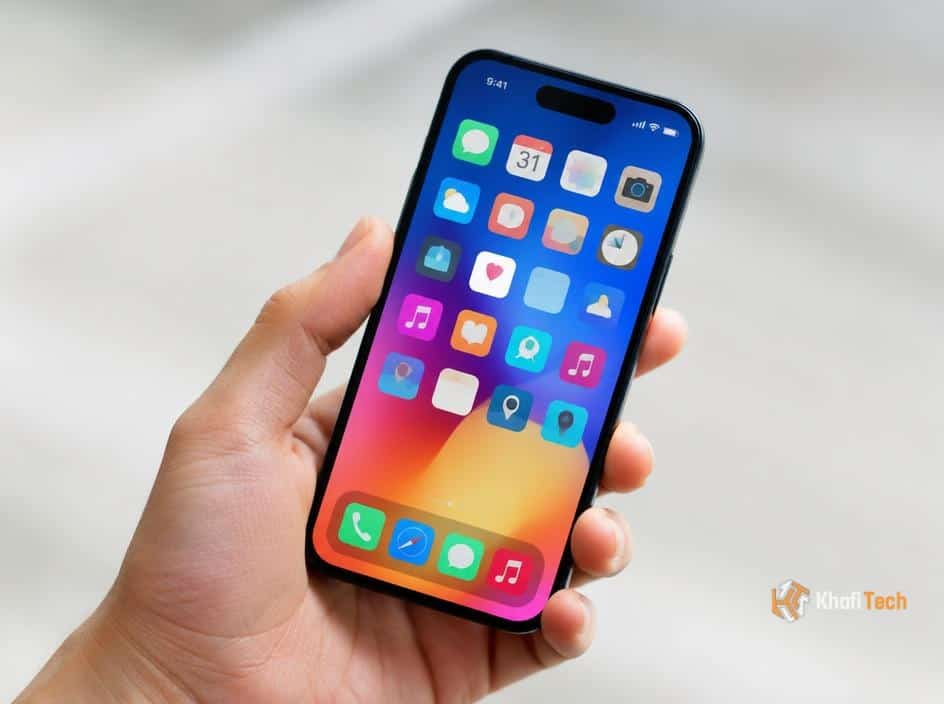
Start with the noise
New phones tend to ask for notification permission before you've learned whether an app deserves it. Open notification settings and turn off alerts for shopping, games, and services you don't need in real time. Keep messaging, calendar, and important security alerts on.
While you're there, check lock-screen previews. Hiding sensitive content can keep a private message from appearing in plain sight.
Take back your privacy
Review location permissions app by app. Most apps don't need access all the time; 'while using' is a better default for maps, weather, and local services. Check camera, microphone, contacts, and photo access too.
Turn on automatic software updates so security fixes arrive without a monthly reminder. Set a strong passcode and enable the phone's built-in device-finding feature before you actually need it.
Make the battery work for you
Look for background refresh and battery usage settings. If an app drains power without providing a benefit, restrict its background activity. Enable optimized charging if your phone supports it, especially if it spends the night plugged in.
Finally, set up a backup, choose a sensible screen timeout, and adjust your display size and text to something comfortable. Those small changes matter more day to day than any benchmark score.

Thread (0)