

Why your Wi-Fi slows down every evening
Work out whether the slowdown is your home network, your provider, or both.

Separate Wi-Fi from internet speed
Evening slowdowns can come from more people using your home network, neighbors competing for radio channels, or congestion outside your home. Test on a wired connection if possible, then compare it with Wi-Fi in the same room.
If both slow down at the same time, ask your internet provider about peak-time performance. A new router cannot fix a bottleneck upstream.
Check your own traffic
Streaming, game downloads, cloud backups, and video calls can all compete for bandwidth. Look at your router's connected-device list and pause large downloads during the time you usually notice trouble.
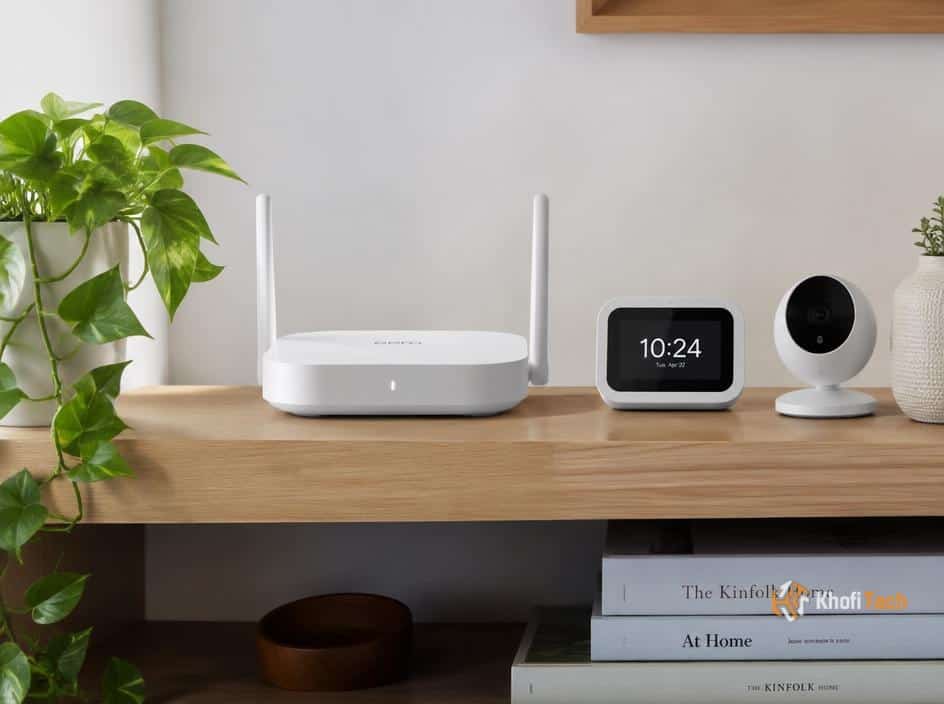
If only distant rooms struggle, move the router into the open and away from thick walls or large electronics. Try the less-crowded 5 GHz band near the router and 2.4 GHz farther away.
Change one thing at a time
Update your router's firmware and test the connection on several evenings. Record the time, device, room, and speed so patterns become obvious.
If the signal is good but the connection still falls apart under load, a better router or plan may help. If coverage is the issue, a carefully placed mesh system is a more direct fix.

Thread (0)