

How to choose a phone or laptop without overspending
Match your budget to the tasks that matter, check local prices and compare the exact model before you buy.

The right device is one that meets your everyday needs at a price you can comfortably afford. A recommendation list helps narrow the search, but it cannot confirm current stock, local prices or the exact specifications of every regional model.
Set a total budget
Decide what you can spend including any accessories, delivery and applicable taxes. The Phone Finder and Laptop Finder use approximate starting prices in US dollars. Convert and compare with current offers in your own market rather than treating those figures as a live quote. Keep room for essentials such as a compatible charger or a protective case.
Choose your main task
For a phone, consider camera quality, battery life, gaming or general use. Camera megapixels alone do not describe image quality; compare sample photos in similar lighting. For a laptop, identify your main workload: study, office work, creative applications or gaming. Check the recommended requirements of the software you actually use. Some workloads depend on graphics hardware while others benefit more from memory or storage.
Compare the exact configuration
A product name can cover several versions. Check RAM, storage, display, ports and connectivity against the specific listing. On phones, check network compatibility and the manufacturer software-support policy for that model. On laptops, find out whether memory and storage can be upgraded. Do not assume a cheaper configuration matches the specifications described in a review of a higher-end version.
Make a short list and verify it
Select your budget, preferred brands and intended use in either finder, then compare two or three suitable suggestions. Read independent reviews, check the seller warranty and return policy and confirm the final price before paying. If buying used, check battery condition, account locks and whether security updates are still available. Re-run the finder without a brand restriction if your first search returns too few choices.
Ask Khofi Tech
Related stories
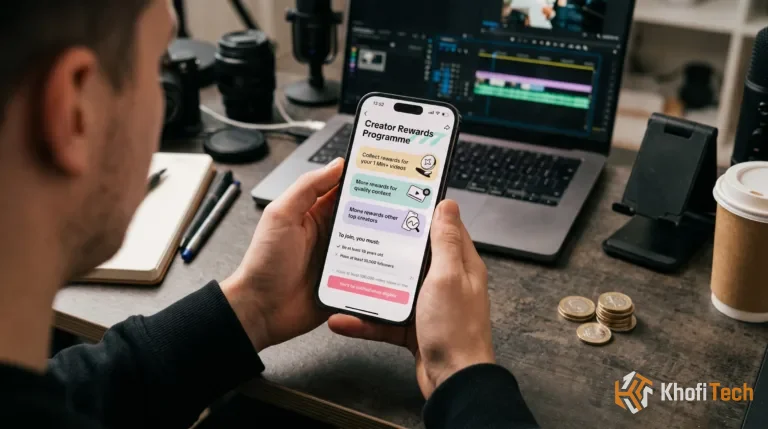
TikTok Creator Rewards: UK Account Setup & Monetization (2026)
Learn how to set up and verify a UK TikTok account for the Creator Rewards Program in 2026, check eligibility rules, and join KhofiTech's live class

Why Phones and Laptops Cost More in 2027
Rising RAM and SSD costs from AI data centers are pushing up 2027 phone and laptop prices. See how the memory crunch affects specs and how to buy smart

Is Outlook Down? Live Status Check, Fixes & November 2026 Outage Explained
Can't load or send emails in Outlook? Check live Microsoft 365 status, read what caused the massive November 2026 global outage, and try 5 quick fixes.
Thread (0)