

Mesh Wi-Fi or a single better router? How to decide
Coverage problems and speed problems have different fixes. A quick test tells you which one you have.

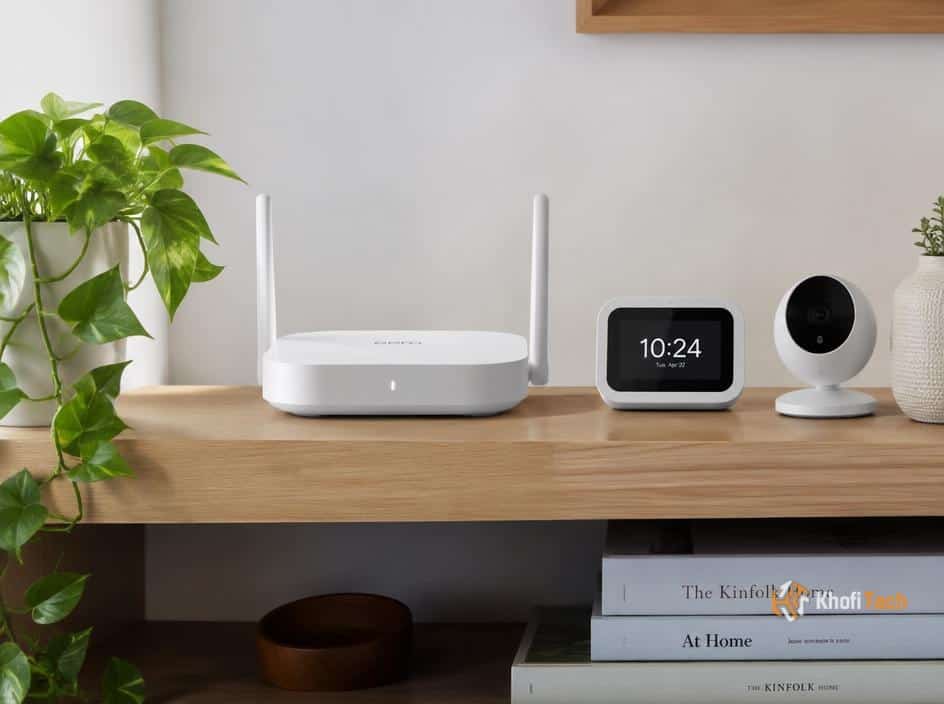
First, test near the router
Run a speed test while standing close to your router, then repeat it in the room where the connection feels slow. If both tests are slow, adding mesh nodes will not fix an internet plan, modem, or router that's already struggling at the source.
If the nearby test is fast but distant rooms are slow, coverage is the likely issue. That's the situation mesh systems are designed to solve.
When one router is enough
A newer single router can be the simpler, cheaper answer for a small home, especially when the current one is old or hidden in a cupboard. Put it in a central, open spot before buying anything. Walls, metal, and distance can matter more than the number on the box.
A router upgrade also makes sense when lots of devices compete for the same connection but coverage is already good throughout the home.
When mesh earns its keep
For larger homes, awkward floor plans, and rooms separated by thick walls, mesh gives you multiple access points under one network name. Place nodes where they can still receive a strong signal, not in the dead zone itself.
If possible, connect nodes with Ethernet. A wired backhaul keeps more wireless capacity free for your devices. Start with the smallest kit that covers your space and add a node only if testing shows you need one.


Thread (0)