

ChatGPT vs. Claude vs. Gemini (2026): Best AI Compared
Compare ChatGPT, Claude, and Google Gemini in 2026 across free limits, writing quality, coding, live research, and $20/month plans to pick the right AI.

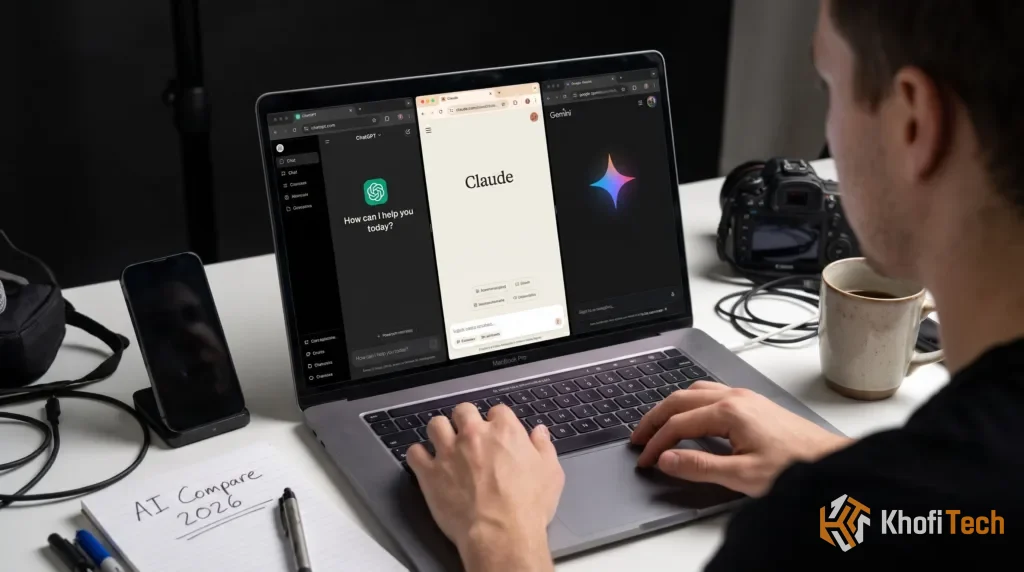
Choosing an AI assistant used to be simple: you opened ChatGPT for everything. In 2026, however, OpenAI, Anthropic, and Google have each carved out clear strengths—and noticeable blind spots—across writing, software development, live web research, and free-tier limits.
If you are deciding which platform deserves a permanent spot in your browser—or which $20/month subscription is actually worth paying for—this head-to-head comparison breaks down how ChatGPT, Claude, and Google Gemini perform on real daily tasks.
The Quick Verdict: Which AI Wins by Use Case?
- Best All-Rounder & Multimodal Tool — ChatGPT: Ideal if you want one app that handles text, custom image generation, natural real-time voice conversations, data analysis, and deep web research without switching tabs.
- Best for Writing & Coding — Claude: The clear favorite among writers, editors, and software developers thanks to its natural prose, large document memory, and interactive Artifacts preview workspace.
- Best for Google Users & Free Research — Google Gemini: Unmatched if your work lives inside Gmail, Google Docs, Drive, and YouTube, or if you want generous free-tier access backed by live Google Search grounding.
ChatGPT vs. Claude vs. Gemini: Side-by-Side Comparison
Before diving into real-world tests, here is how the three platforms stack up across pricing, free access, and core strengths:
| Feature | ChatGPT (OpenAI) | Claude (Anthropic) | Google Gemini |
|---|---|---|---|
| Best Strength | All-around versatility. Voice and image tools. | Natural human writing. Coding and long PDFs. | Google Workspace sync. Live search and video. |
| Free Plan Limits | Generous daily usage. Falls back to mini model. | Strict session message caps. Resets every few hours. | Very generous daily access. Strong free model limits. |
| Paid Plan Price | $20/month (Plus). $200/month (Pro tier). | $20/month (Pro). 5x higher usage limits. | $19.99/month (AI Pro). Includes 2TB cloud storage. |
| Workspace Tool | Canvas side-by-side editor. Custom GPTs & Projects. | Interactive Artifacts window. Projects for team files. | Direct Gmail/Docs integration. Gems & NotebookLM sync. |
| Main Weak Spot | Writing sounds formulaic. Overuses bulleted fluff. | No native image generator. Tighter free message caps. | Occasional formatting quirks. Less consistent in coding. |

Writing, Editing & Content Creation
If you use AI to draft articles, scripts, emails, or marketing copy, tone matters more than raw benchmark scores.
- Winner — Claude: Claude consistently produces the cleanest, most human-sounding prose out of the box. It follows style instructions closely, avoids repetitive transition phrases, and excels at rewriting rough notes into sharp paragraphs without sounding overly dramatic.
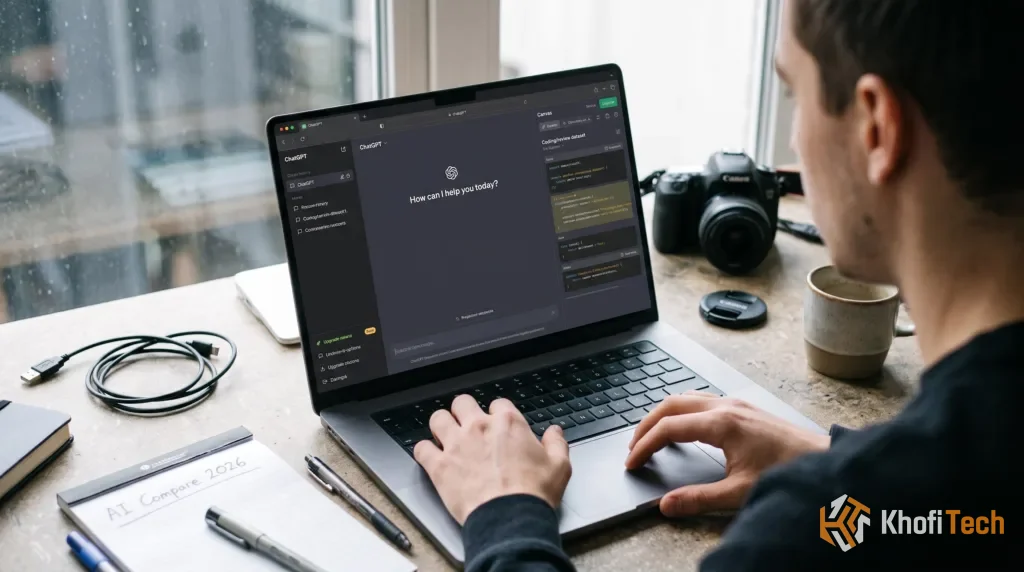
- Runner-Up — ChatGPT: ChatGPT’s Canvas interface makes it easy to highlight specific sentences and ask for targeted rewrites or reading-level adjustments. However, unedited ChatGPT drafts still lean heavily on predictable phrasing and excessive bolding unless you give strict formatting rules.
- Third — Google Gemini: Gemini shines when drafting directly inside Google Docs or replying to threads inside Gmail, where it can pull context from your existing emails and Drive files automatically. For standalone creative or editorial writing, though, Claude still holds the edge in nuance.
Coding, Debugging & App Building
For developers, students building projects, and website owners troubleshooting HTML, CSS, JavaScript, or Python, all three models can write working code—but their workflows differ sharply:
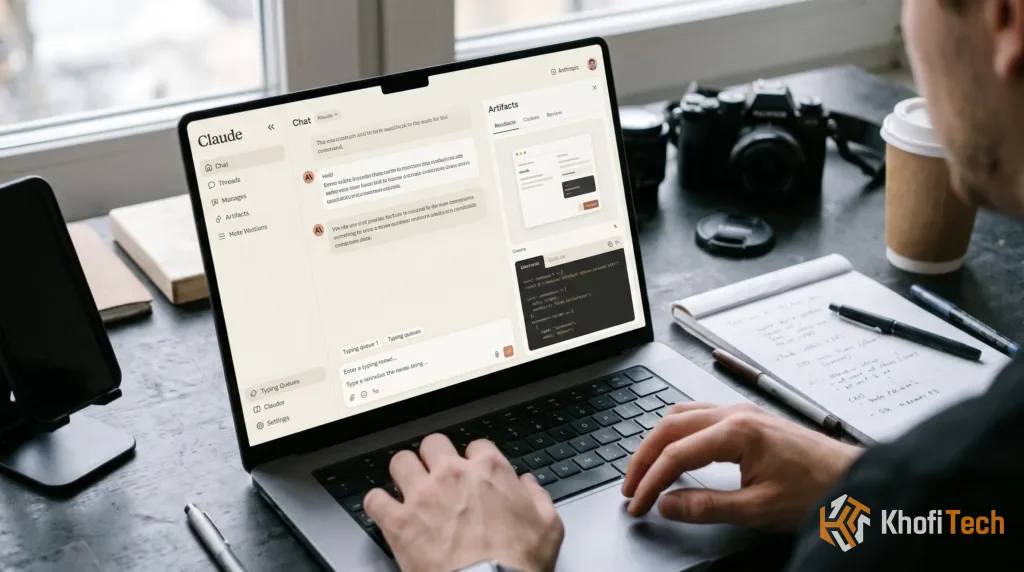
- Winner — Claude: Claude remains the top pick for front-end web design, refactoring multi-file codebases, and debugging tricky logic errors. Its Artifacts panel renders live HTML/React previews right next to the chat, letting you test calculators, dashboards, and UI components immediately.
- Runner-Up — ChatGPT: ChatGPT excels at Python data analysis—it can execute code inside a sandboxed environment to clean CSV spreadsheets, generate charts, and verify math outputs step-by-step before answering.
- Third — Google Gemini: Gemini’s massive context window allows you to paste entire code repositories or lengthy technical documentation at once, making it great for explaining unfamiliar codebases, though it occasionally requires extra follow-up prompts to fix subtle edge-case bugs.
Live Research, File Analysis & App Integrations
Modern AI assistants are no longer isolated chat boxes—they act as research engines connected to live web data and your personal files:
- Google Gemini Leads in Ecosystem & Video Research: Because Gemini connects natively to Google Search, Google Maps, YouTube, Gmail, and Google Drive, you can ask it to summarize a 45-minute YouTube tutorial, cross-reference flight confirmations in Gmail, or pull figures from a Drive spreadsheet in a single prompt. Pairing Gemini with Google NotebookLM also gives students and researchers an unbeatable free study workflow.
- ChatGPT Leads in Deep Research & Voice: ChatGPT’s Deep Research mode browses dozens of web pages autonomously to compile cited multi-page reports, while its Advanced Voice Mode lets you brainstorm hands-free on mobile with natural interruptions and camera screen-sharing.
- Claude Leads in Dense PDF & Contract Review: When you upload a 100-page financial report, legal agreement, or academic textbook, Claude’s careful reading comprehension and low hallucination rate make it the safest tool for extracting exact clauses and summarizing dense tables.
Free Tiers vs. $20/Month Plans: Which Should You Pick?
You do not need to pay for all three platforms. In fact, combining the free tiers strategically covers almost every daily workflow at $0/month:
- Best $0/Month Strategy: Use Google Gemini for live web lookups, YouTube summaries, and quick brainstorming; use ChatGPT Free for image generation, voice chats, and data cleanup; and save your Claude Free messages for important writing, rewriting, and coding tasks.
- If You Can Only Pay for One ($20/Month Tier):
- Choose Claude Pro ($20/mo) if your primary income or coursework revolves around writing, editing, coding, or analyzing long PDFs.
- Choose ChatGPT Plus ($20/mo) if you want one Swiss-Army-knife subscription with image generation, voice mode, Custom GPTs, and Deep Research.
- Choose Google AI Pro ($19.99/mo) if you already pay for Google Drive storage—getting 2TB of cloud storage bundled with Gemini in Gmail and Docs effectively cuts the AI cost in half.
Frequently Asked Questions
Quick answers to common questions
ChatGPT is the best all-rounder for voice, image generation, and everyday tasks. Claude is strongest for natural writing, coding, and long-document analysis, while Google Gemini is ideal for Google Workspace users and live web research.
ChatGPT and Google Gemini offer useful free access for everyday tasks, research, and file uploads. Claude also provides strong writing and reasoning capabilities, but its free plan has stricter usage limits.
Claude is often preferred for natural-sounding writing, editing, and complex coding tasks. Its Artifacts feature also allows users to preview and refine code, web components, and documents alongside their conversations.
It depends on your needs. Google AI Pro offers 2TB of cloud storage alongside Gemini features, ChatGPT Plus provides a broad range of AI tools, and Claude Pro is a strong choice for writers and developers.
Ask Khofi Tech
Related stories

ChatGPT for Academic Research and Exam Prep (2026 Guide)
Learn how to ethically use ChatGPT for academic research and exam prep. Copy proven prompts for active recall, literature reviews, and mock exams.

5 Free AI Tools to Speed Up Freelance Work in 2026
Deliver client work twice as fast. Discover 5 free AI tools in 2026 for proposals, research, document analysis, and design without paid subscriptions.

7 Free AI Tools That Can Save You Hours Every Week
Discover 7 free AI tools for writing, research, studying, design and productivity to help you save time and work smarter.
Thread (0)