

Why Canva Pro Team Links Stop Working: Fix Expirations & Save Designs (2026)
Found a broken Canva Pro team link? Learn why public invite links get revoked within 48 hours, what team admins can see, and how to safely backup your designs.

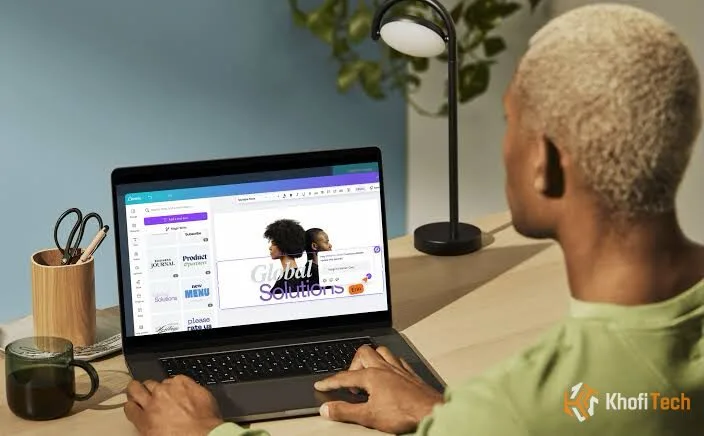
Public “Free Canva Pro Team Invite Links” shared across social platforms, Reddit, Telegram channels, and YouTube descriptions almost universally fail within 48 to 72 hours. Users routinely log in to find their Pro features revoked, a generic “Link is no longer valid” error banner, or worse, their creative assets completely locked inside an unreachable workspace.
These failures are not random glitches. They are the deliberate outcome of automated fraud defenses, enterprise licensing controls, and security systems shutting down unauthorized seat-sharing pools.
Understanding the technical mechanisms behind these revocations will help you recover stranded work, protect your client data from unauthorized access, and establish legitimate, permanent access to Canva’s toolset.
The 48-Hour Loop: Why Public Canva Team Links Die So Fast
Canva’s infrastructure monitors organization behavior through telemetry signals that flag when a workspace violates standard platform policies.
The Canva for Education Exploit
The vast majority of public invite links circulate via abused Canva for Education accounts. Canva grants free Pro-equivalent privileges to verified teachers to help manage digital classrooms. Scammers create a fraudulent school domain, get approved by faking educational credentials, generate an open classroom invite link, and post it online.
Canva’s automated audits regularly cross-examine user rosters against institutional registries. The moment an automated audit detects that an elementary school workspace in Texas has 800 active accounts connecting from Lagos, Mumbai, and London, the entire organizational container is purged.
Token Revocation and Link Regenerations
Team administrators have a native button inside Canva: Settings > Team Details > Invite Links > Reset Link. If a paid account holder realizes their private link leaked onto a forum, generating a new token immediately kills the old URL, leaving everyone attempting to join with an invalid session.
Privacy Risks: What Team Admins Can Actually See
Joining an unknown third-party team workspace compromises account data isolation. When accepting a team invitation, your profile ceases to operate as an isolated individual account—it becomes an assigned sub-node within the host’s organizational structure.
Shared Workspace Data Exposure
What Admins Can Access
- All designs saved into shared team project folders
- Uploaded brand kits, color palettes, and custom fonts
- Your account username, linked email address, and avatar
- Export histories and collaborative commenting threads
What Remains Private
- Designs created strictly within your “Personal” team profile
- Personal billing information and payment cards
- Third-party account logins (Google, Apple, SSO)
- Private direct messages or external Canva shares
If you use a public team to design marketing materials for paying freelance clients, design proprietary company logos, or draft commercial pitch decks, those assets are exposed to random strangers sharing the administrator privileges. The administrator also holds the power to lock your access without warning, preventing you from ever retrieving those files.
How to Save and Migrate Your Designs Before Access Is Lost
If you are currently inside a public team that feels unstable, or you notice team members dropping out, take immediate steps to back up your work to your personal account or offline storage.
Step-by-Step: Copying Team Designs to Your Personal Account
- Open the design inside the team workspace.
- Click Share in the top-right toolbar.
- Under Collaboration Link, change the setting from “Only your team can access” to “Anyone with the link”.
- Set the access permissions dropdown to Can Edit, then click Copy link.
- Click your profile icon in the upper-right corner and select Switch Team to toggle into your default Personal (Free) workspace.
- Paste the copied collaboration URL into your browser’s address bar.
- When the design opens, click File > Make a copy.
Result: A self-contained, independent clone of the project now lives permanently inside your private personal library, entirely safe from any upcoming team bans.
Creating High-Resolution Offline Backups
If an asset includes premium stock imagery or vector components that will become watermarked once your Pro privileges drop, export permanent raster and vector archives immediately:
- Logos & Vector Shapes: Export as SVG with transparent backgrounds enabled.
- Multi-Page Documents & Decks: Export as PDF Print (set to CMYK if intended for commercial printing).
- Social Media Graphics: Export as maximum resolution PNG.
Legitimate Ways to Get Canva Pro Without Shady Links
Rather than cycling through temporary invite links that risk your data, use Canva’s authorized verification channels to get zero-cost or deeply discounted access legally.
The Complete Verification Guide: For detailed documentation requirements, verification portals, and how to qualify, read our guide: How to Get a Free Canva Pro Team Invite Link Legally in 2026.
1. Canva for Education (K-12 Verification)
Primary and secondary teachers can apply using an institutional email or valid teaching license. Once certified, teachers can invite up to several hundred verified students with full Pro tool access for free.
2. Canva for Nonprofits (10 Free Pro Seats)
Registered charities, foundations, and non-governmental organizations (NGOs) are eligible for a free Canva Teams plan supporting up to 10 full seats. Applications require submitting your regional tax-exemption paperwork via Goodstack validation.
3. Official Extended Partner Trials
While direct registration on the homepage offers a 14-day trial, certified Canva creators, educators, and partner affiliate programs distribute official 30-day and 45-day extended trial links with zero upfront charge.
Frequently Asked Questions
Quick answers to common questions
Generally, no. When Canva flags an illicit team, the automated system terminates or downgrades the workspace container rather than issuing permanent account-wide IP bans to joined members. However, repeatedly joining high-risk flagged teams can land your account on a telemetry watchlist, causing future trial attempts or legitimate purchases to fail fraud checks.
Any premium elements (stock photography, vectors, audio clips) placed in a canvas while holding Pro access remain subject to licensing verification. The moment you view that file from a Free account, Canva overlays watermarks across those paid assets until you upgrade or remove the premium elements.
Click your profile avatar in the upper right, open Account Settings, and click Team Details (or Billing & Plans). Under the team membership roster, locate your profile, click the horizontal ellipsis icon (...), and select Leave Team.
Ask Khofi Tech
Related stories
Best Web Hosting Companies in Ghana (2026) – Top 5 Ranked
Compare the best web hosting companies in Ghana in 2026, including StormerHost, HostAfrica, and UltraHost. Check GHS pricing, MoMo support, and uptime

Why Phones and Laptops Cost More in 2027
Rising RAM and SSD costs from AI data centers are pushing up 2027 phone and laptop prices. See how the memory crunch affects specs and how to buy smart
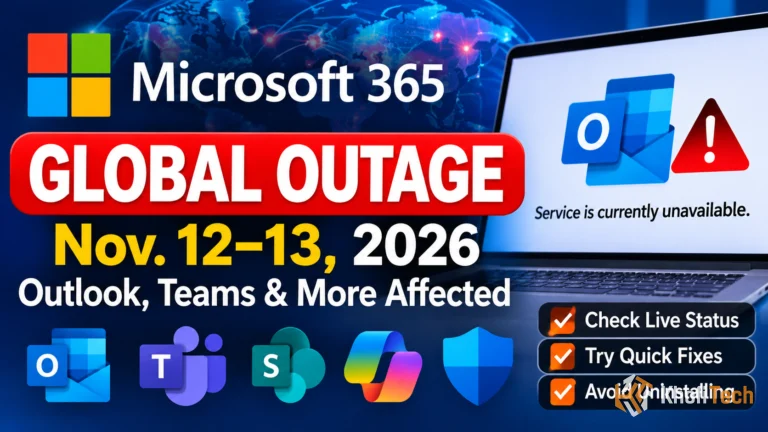
Is Outlook Down? Live Status Check, Fixes & November 2026 Outage Explained
Can't load or send emails in Outlook? Check live Microsoft 365 status, read what caused the massive November 2026 global outage, and try 5 quick fixes.
Thread (0)