

One UI 9 & 9.5 Beta: Release Dates, Features & Update Guide
Get the latest on One UI 9 rollouts and the One UI 9.5 beta, including new features, how to update safely, APK myths, and why One UI updates install automatically

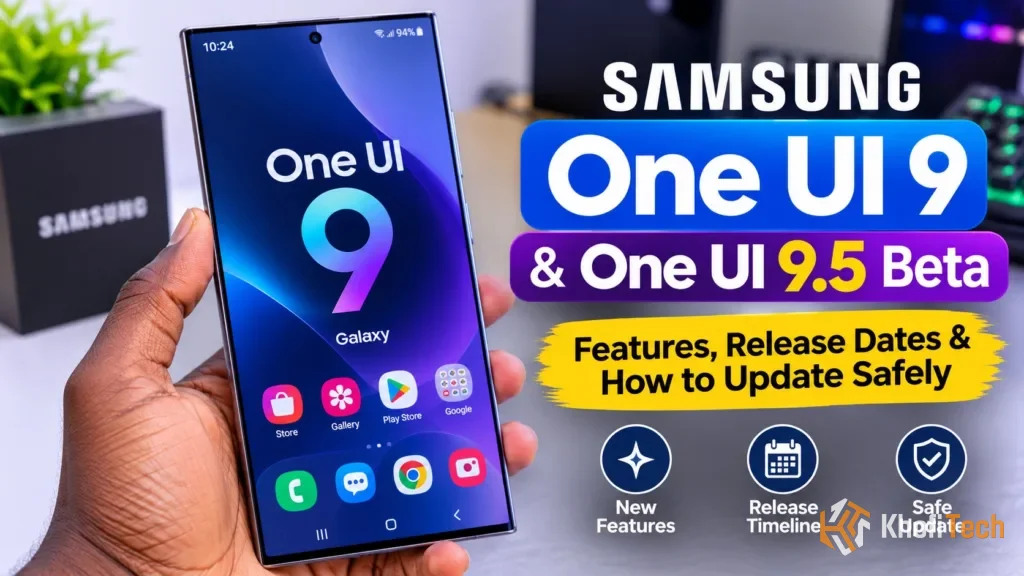
If you own a Samsung Galaxy device, search trends around One UI 9 and the One UI 9.5 beta have exploded—and with good reason. While stable One UI 9 (built on Android 17) has been rolling out across eligible Galaxy models, Samsung also kicked off the One UI 9.5 beta for the Galaxy S26 lineup in mid-November 2026.
At the same time, plenty of users are searching for “One UI download,” “One UI APK,” or wondering why One UI installed on their phone in the first place[span_9](start_span)[span_9](end_span). This guide clears up the confusion, covers what is new, and shows you how to update safely.
One UI 9 Release & Rollout Overview
Samsung’s One UI 9 (based on Android 17) introduced ecosystem and usability upgrades, including deeper AI assistance tools, layout/navigation refinements, and tighter cross-device sharing.
| Release / Program | Timeline & Status | Notes for Galaxy Users |
|---|---|---|
| One UI 9 (Stable) | Debuted July 2026; rolled out to S26 from September 2026 & expanding in waves | Timing depends on device model, region, and carrier. |
| One UI 9.5 Beta | Opened mid-November 2026 for Galaxy S26 series in select regions | Pre-release software; stable release date not yet announced. |
To check if an official update is ready for your phone, go to Settings > Software update > Download and install.
One UI 9.5 Beta: Features & Release Status
In mid-November 2026, Samsung opened the One UI 9.5 beta starting with the Galaxy S26 series (S26, S26+, and S26 Ultra) across select countries including the US, UK, India, Germany, South Korea, and Poland. Samsung has not yet announced a stable release date for One UI 9.5.
Highlights reported in the One UI 9.5 beta include:
- Native App Lock: Built-in app locking so you can restrict access to sensitive apps without relying solely on workarounds.
- Camera & Lock Screen Polish: Custom camera controls and lock screen visual enhancements such as live-depth effects.
- Privacy & Wellbeing Additions: Privacy protections (including extra privacy display controls on supported models) and new note/health additions.
Beta Tip: Beta builds can have bugs, battery quirks, or banking/work app hiccups, and rolling back to an earlier software version often requires a factory reset. Back up your data first using Samsung Cloud or Smart Switch.
One UI Download & “One UI APK”: What Actually Works
Many users search for a “One UI download” or “One UI APK” hoping to install a major version update from a file[span_10](start_span)[span_10](end_span):
- Full OS Updates Aren’t Single APKs: An Android/One UI operating system upgrade is system firmware—not a simple standalone
.apkinstaller like a regular mobile app. - Why You See “One UI Home” APKs: Individual system apps—such as the One UI Home launcher—can have separate app updates or APKs, which only update launcher behavior rather than upgrading your entire Android/One UI version.
- Safe Ways to Get Updates: Always use Settings > Software update for official releases, or enroll in an official beta via the Samsung Members app if your eligible device and region are supported. Avoid untrusted third-party firmware or APK sites.
Why Did One UI Install on My Phone?
If you saw a prompt or notification saying One UI installed on your device[span_11](start_span)[span_11](end_span):
- It’s Samsung’s Core Interface: On Samsung Galaxy phones and tablets, One UI is the built-in software layer over Android—not bloatware from an unknown source.
- Scheduled or Automatic Updates: Depending on your auto-download or auto-install settings in Settings > Software update, your phone may download updates over Wi-Fi or install scheduled system and security patches automatically.
Frequently Asked Questions
Quick answers to common questions
One UI 9 debuted in July 2026 and rolled out to Galaxy S26 models from September. Supported Galaxy S, Z, and A devices are receiving it in phases.
Features include native App Lock, custom camera controls, lock screen live-depth effects, and privacy improvements.
No. One UI updates are system firmware, not standalone APKs. Use Settings or Samsung Members for official updates and eligible betas.
One UI is Samsung's official Android interface. Updates deliver new features, security patches, and system improvements.
Ask Khofi Tech
Related stories
Best Web Hosting Companies in Ghana (2026) – Top 5 Ranked
Compare the best web hosting companies in Ghana in 2026, including StormerHost, HostAfrica, and UltraHost. Check GHS pricing, MoMo support, and uptime
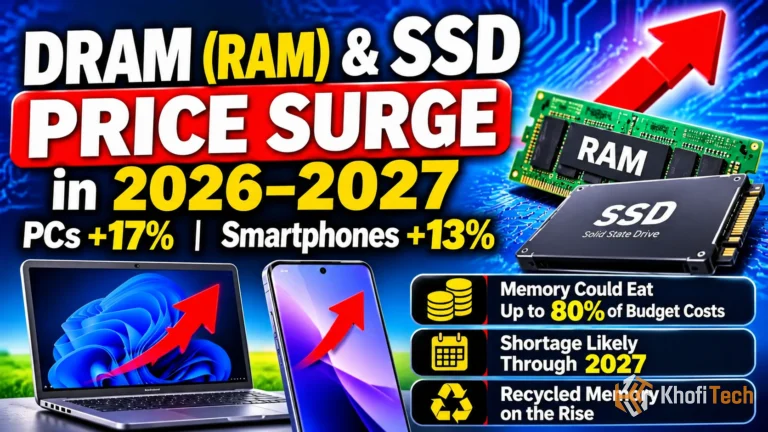
Why Phones and Laptops Cost More in 2027
Rising RAM and SSD costs from AI data centers are pushing up 2027 phone and laptop prices. See how the memory crunch affects specs and how to buy smart
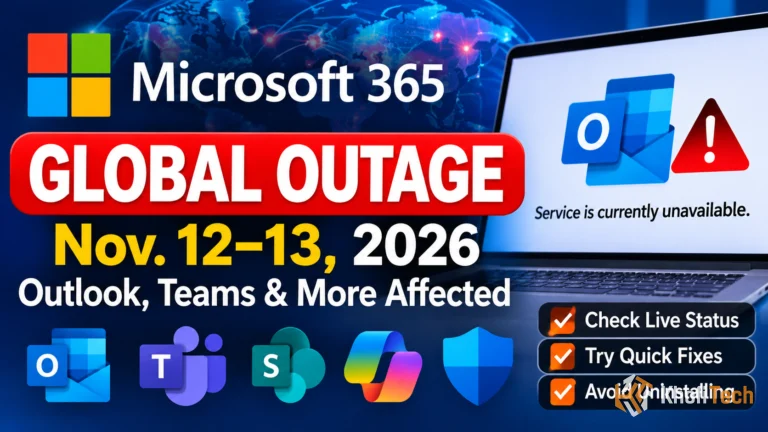
Is Outlook Down? Live Status Check, Fixes & November 2026 Outage Explained
Can't load or send emails in Outlook? Check live Microsoft 365 status, read what caused the massive November 2026 global outage, and try 5 quick fixes.
Thread (0)